Patients judge a clinic before they sit in the chair. Twenty minutes in a waiting room with no idea how long is left feels longer than forty minutes when you can see the queue moving. The treatment can be excellent and the patient still leaves annoyed.
Most waiting-room stress comes from not knowing: patients don’t know when they’ll be called, reception doesn’t know which dentist is running late, and dentists don’t know who has arrived. This guide covers a simple flow that fixes all three.
Check patients in when they arrive
The waiting room starts at the front desk. When a patient arrives, reception checks them in. It takes a second, and it starts the clock.
Check-in is what turns “they’re somewhere in the waiting room” into a list everyone can see: who’s waiting, for which dentist and chair, and since when. In BeClarified, the home page shows exactly that, with check-in, call and finish buttons on each patient, and tomorrow’s list one tab away.
Make the queue visible to the team
Once patients are checked in, every dentist and assistant should see who’s waiting for them without walking to reception. And when something changes (a patient arrives, a visit ends, a new booking comes in), everyone should see it straight away.
BeClarified updates live across the clinic: check-ins, calls, finished visits and new bookings appear on every screen without anyone refreshing the page. The assistant in room two sees that the next patient has arrived. Reception sees that room one has just finished.
Call patients in when the chair is free
When the dentist is ready, the patient is called in with one tap. The call updates the queue for everyone, including the screen in the waiting room. When the visit ends, finishing it frees the chair and moves the queue along.
It also makes delays visible: everyone can see whether waiting comes from patients arriving early, a dentist overrunning, or a chair left empty between patients.
Put the queue on a TV
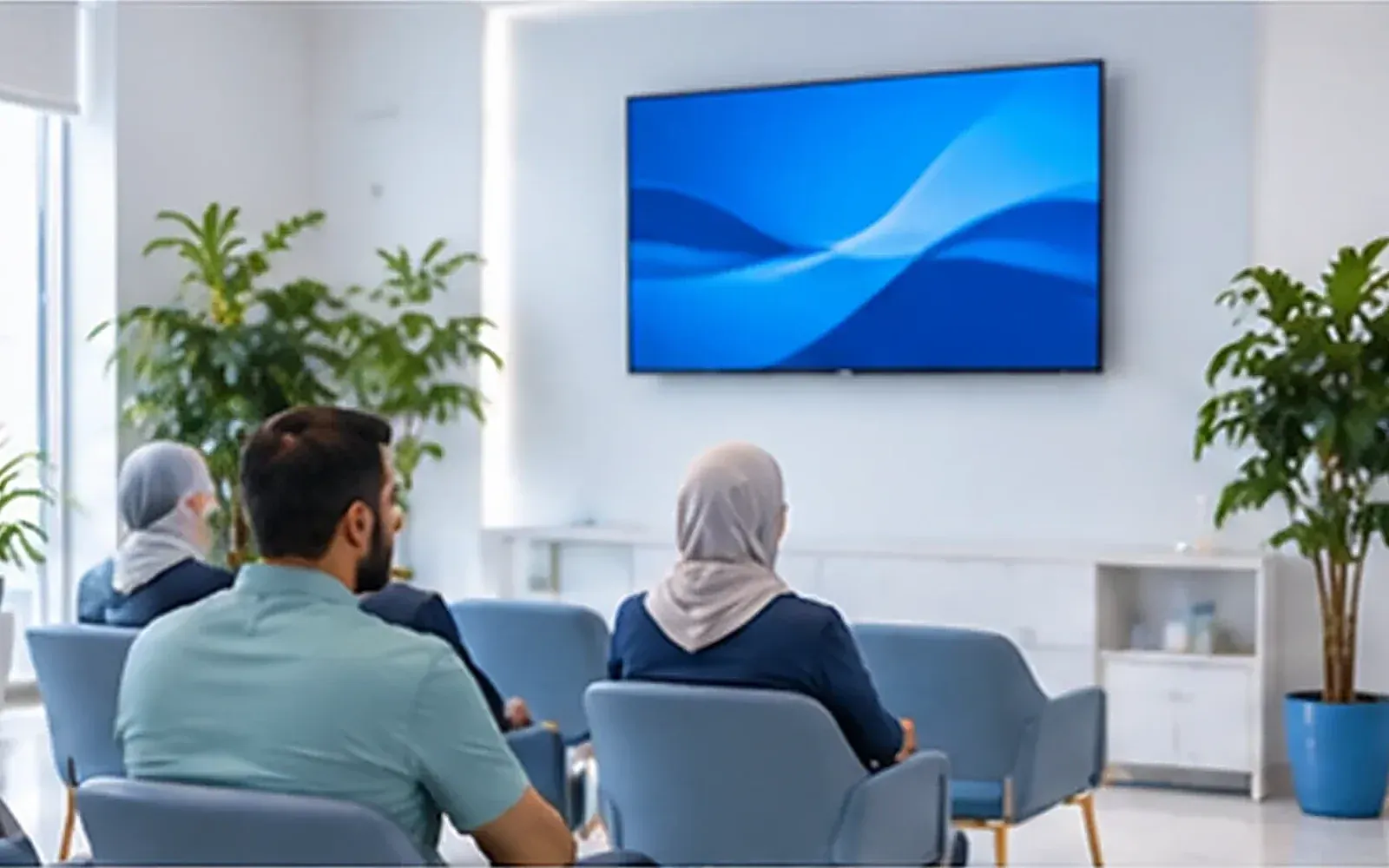
A screen in reception changes how waiting feels. Patients see that the queue is moving and roughly where they are in it, and they stop going to the desk to ask.
BeClarified’s TV view runs in a browser on any screen: a smart TV, a small PC or a stick plugged into the TV. It shows the current patient for each chair and the numbered queue, with the next patient marked. Patients see who’s next while your team calls them in with one tap. See waiting room.
A few practical tips:
- Mount it where everyone in the waiting area can see it without turning round.
- Turn off the screen’s sleep timer so the queue stays up all day.
Tell patients they’re next
Not everyone waits in the waiting room. Some step outside for a call, go to the pharmacy downstairs, or wait in the car. A notification on their phone saying “You’re next” brings them back in time, and it means you’re not shouting names into a corridor. Patients with the patient app get it automatically.
Handle delays honestly
Delays happen: an emergency, a difficult extraction, a patient who arrived late. What annoys patients isn’t the delay, it’s being ignored. When a dentist is running more than 15 minutes behind:
- Reception tells each waiting patient, face to face.
- Offer a choice: wait, or rebook at a convenient time.
- For the next patients who haven’t arrived yet, a quick message can save them a wasted wait.
Plan the day to wait less
The calmest waiting rooms are planned the day before. Look at tomorrow’s list (in BeClarified, it’s one tab away on the home page):
- Long procedures are booked with realistic durations.
- Emergency slots are kept free in the late morning and afternoon.
- Patients who are usually late are booked at the end of a block, not before a long procedure.
- Lab work due tomorrow has actually arrived.
Measure it
Once a month, ask two questions: which dentist or time of day keeps patients waiting longest, and what do patients say about it? If one dentist’s mornings are always late, it’s a scheduling problem, not a patient problem. Read the feedback comments that mention waiting. Patients will tell you exactly when it’s a problem. See patient engagement for how feedback works.
Frequently asked questions
Do we need special hardware for the TV view? No. Any screen with a modern browser works: a smart TV, a small computer or a streaming stick.
What if a patient doesn’t want their name on screen? Use the queue numbers. The TV shows each chair’s current patient and the numbered queue, so patients can follow their number.
Does the queue work with walk-ins? Yes. Book the walk-in into a free slot, check them in, and they join the queue like everyone else.
Can dentists see the queue from their room? Yes. The home page and scheduler update live on every screen, so dentists and assistants see who’s waiting for them.