Waiting and tomorrow on the home page
Who's waiting, for which dentist and chair, with check-in, call and finish buttons — and tomorrow's list one tab away.
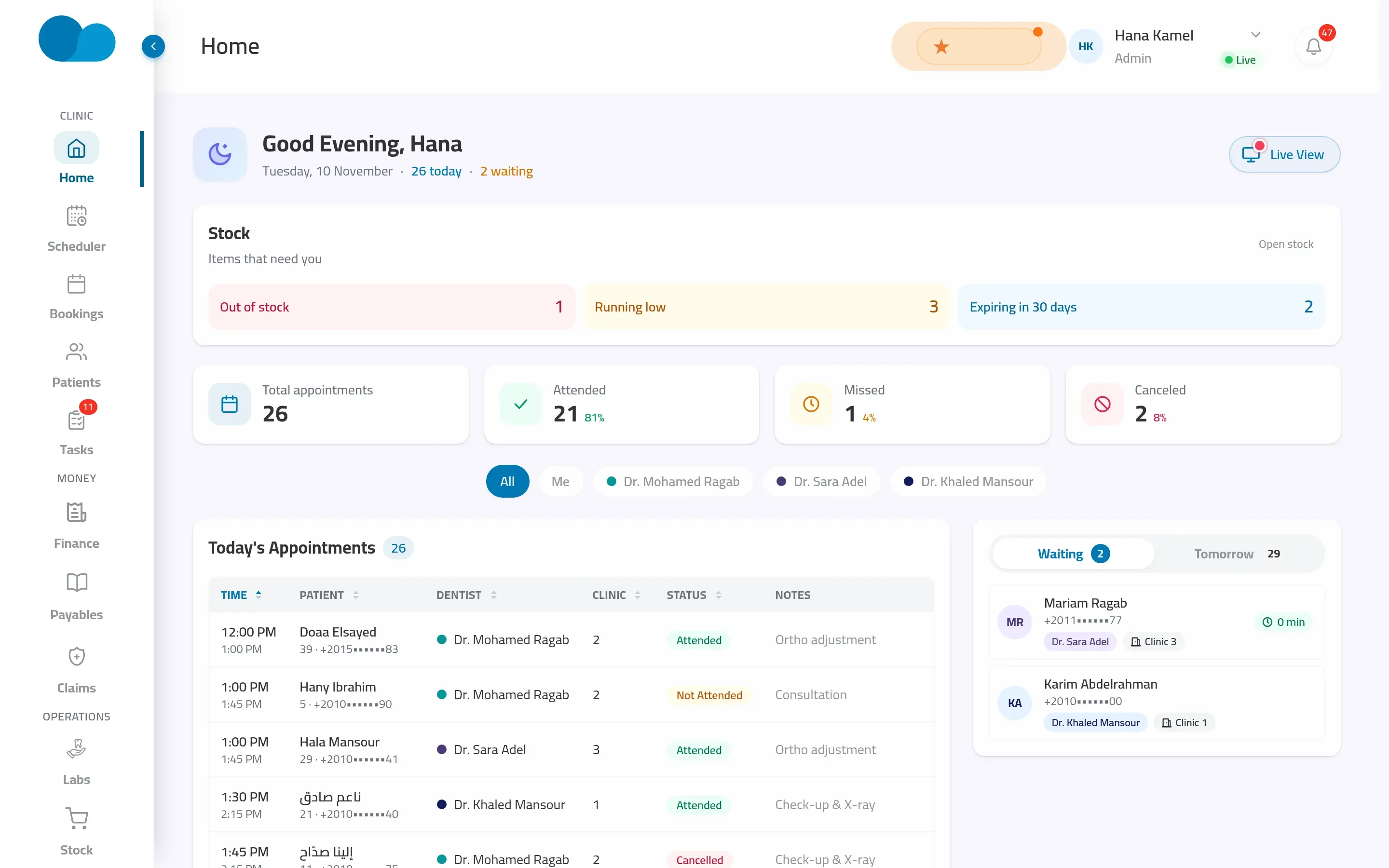
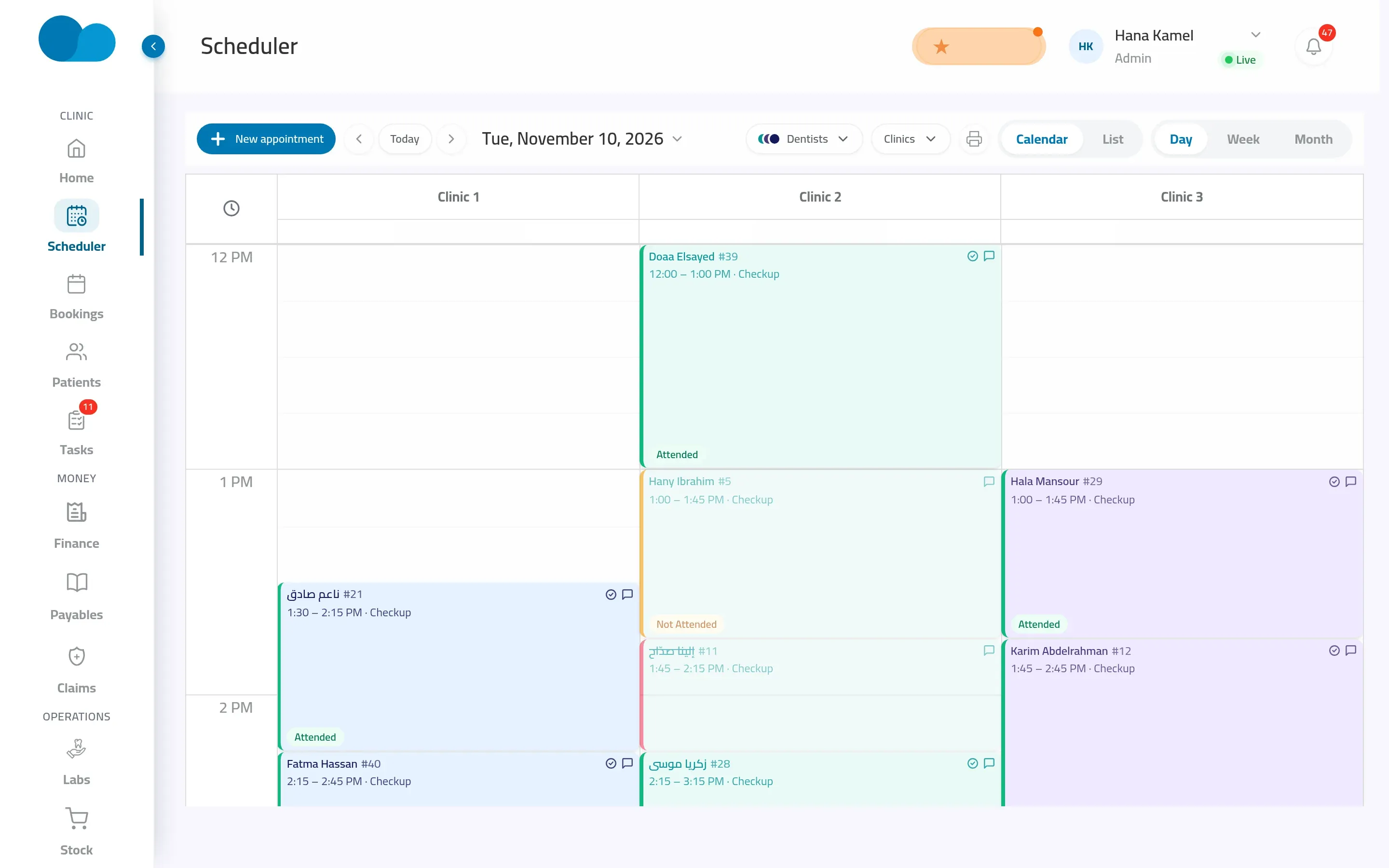
Updates for everyone, live
Check-ins, calls, finished visits and new bookings show up across the clinic right away; nobody refreshes a page.
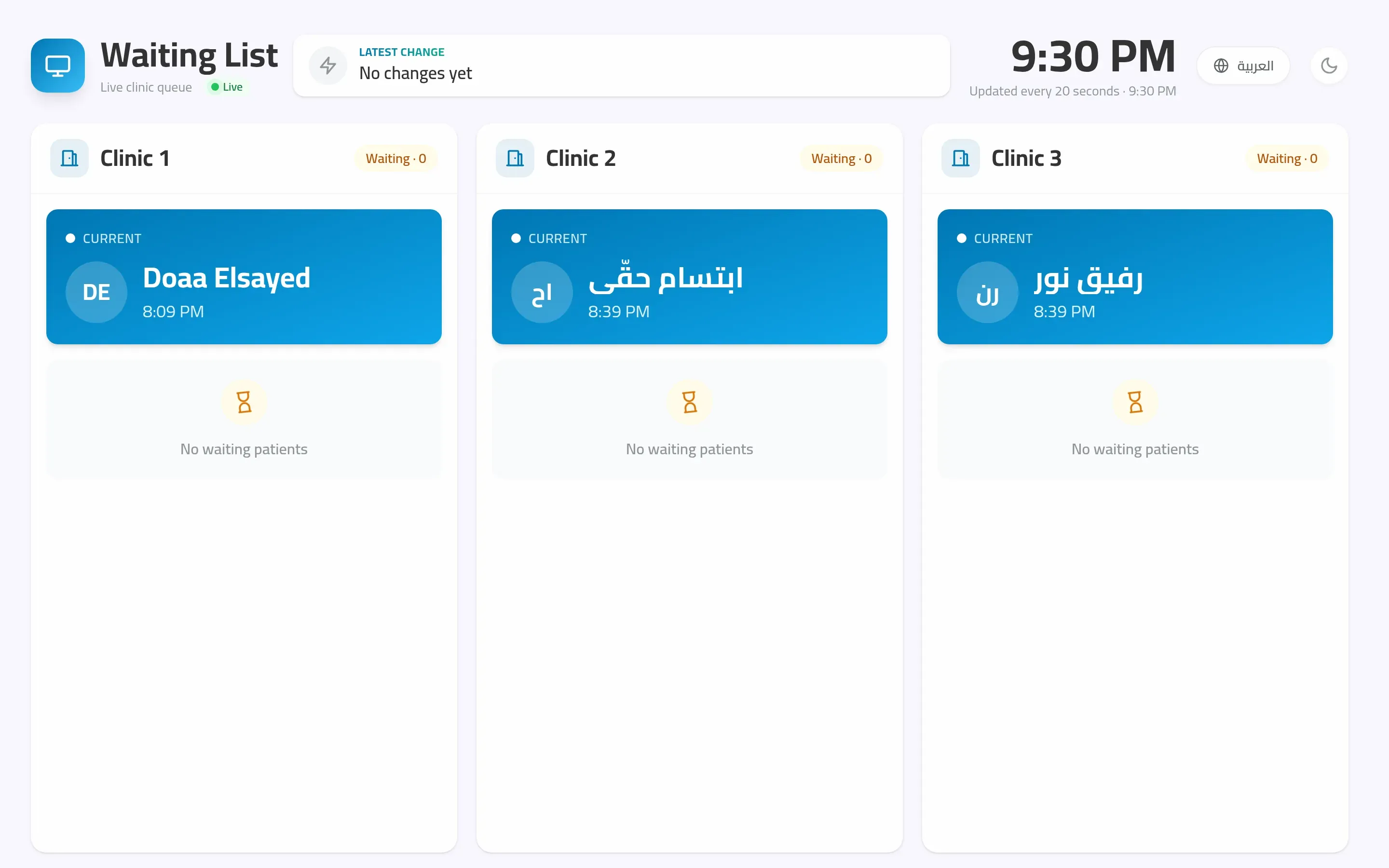
A TV screen for reception
Open the TV view on any screen: the current patient for each chair and the numbered queue, with the next patient marked.
How it works in your clinic
- 01
Check the patient in when they arrive
- 02
They get their queue number on their phone
- 03
Call them in when the chair is free
- 04
Finish the visit and the queue moves on
Related features
Questions about waiting room & queue
What do I need for the TV screen?
Any TV or monitor with a browser. Open the TV view, sign in once and leave it running; it updates by itself.
Do patients see their place in the queue?
Yes. With the patient app they get a notification with their number when they check in, when they're next and when they're called.